What is a contract renewal?
A contract renewal happens when an existing agreement continues beyond its current term. Some renewals are negotiated and signed again. Others happen automatically unless one party gives notice before a deadline.
For small teams, the practical question is not just whether a contract renews. It is when the renewal happens, how much notice is required, who owns the decision, and whether the agreement should be renewed, canceled, or renegotiated.
Why renewals get missed
- The renewal date is buried in a PDF or order form.
- The notice period is earlier than the renewal date, often by 30, 60, or 90 days.
- The person who signed the agreement no longer owns the vendor relationship.
- Calendar reminders were never created or were tied to one employee account.
- Auto-renewal language makes inaction more expensive than a conscious decision.
A better renewal workflow
Every contract should have a visible renewal owner, renewal date, notice deadline, auto-renewal status, and reminder schedule. Those five fields are enough to prevent many surprise renewals.
RenewalWatch is built around that lightweight workflow: upload a PDF or import a secure URL, extract the key terms, and receive reminder emails while there is still time to cancel, negotiate, or budget.
Evaluator path
Evaluate renewal tracking before renewal work becomes urgent
If your team mainly needs visibility into dates, notice windows, owners, and reminder timing, a focused renewal workflow can be faster to adopt than a broad CLM rollout.
- Use RenewalWatch for operational renewal tracking.
- Use CLM when legal authoring, approvals, and clause governance are the core job.
Compare fit
See when a renewal-first workflow is enough and when a full CLM platform is the better fit.
Full CLM vs focused renewal trackingHow RenewalWatch solves this in practice
Product preview panels below show what teams see in the app while working this exact renewal workflow.
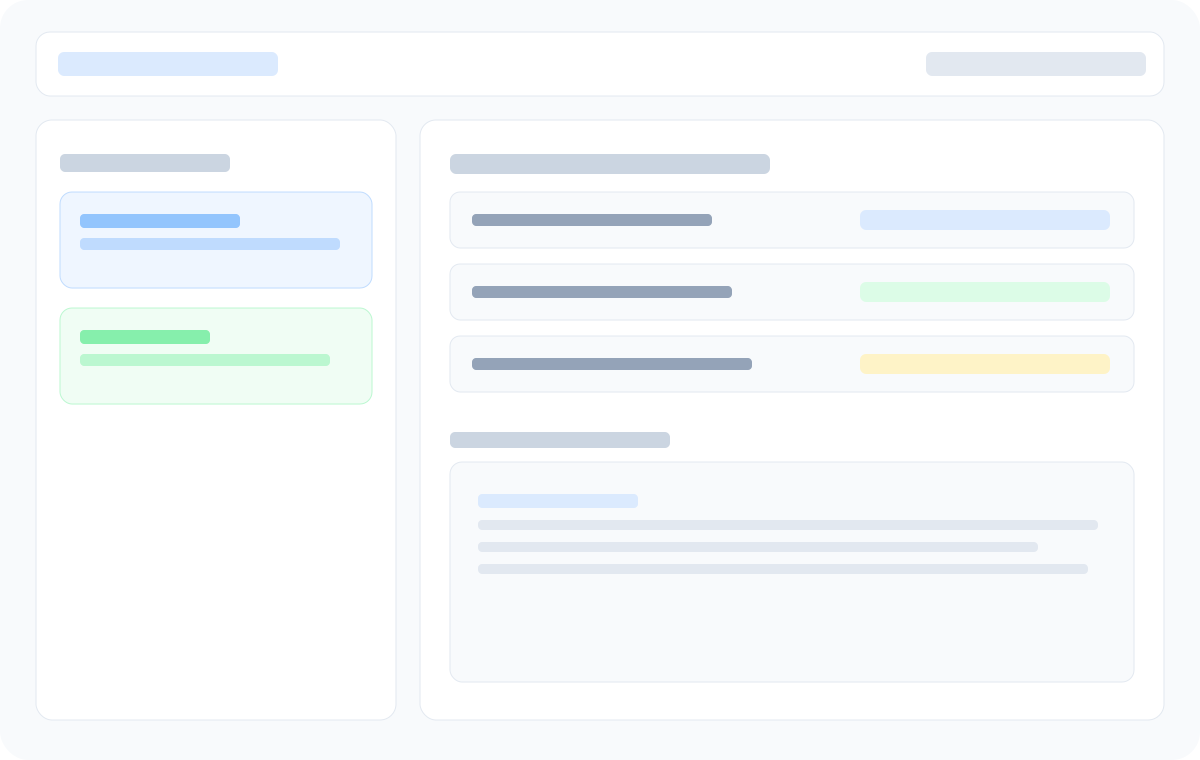
Renewal dashboard overview
Track upcoming renewals, owners, and urgency in one prioritized list.
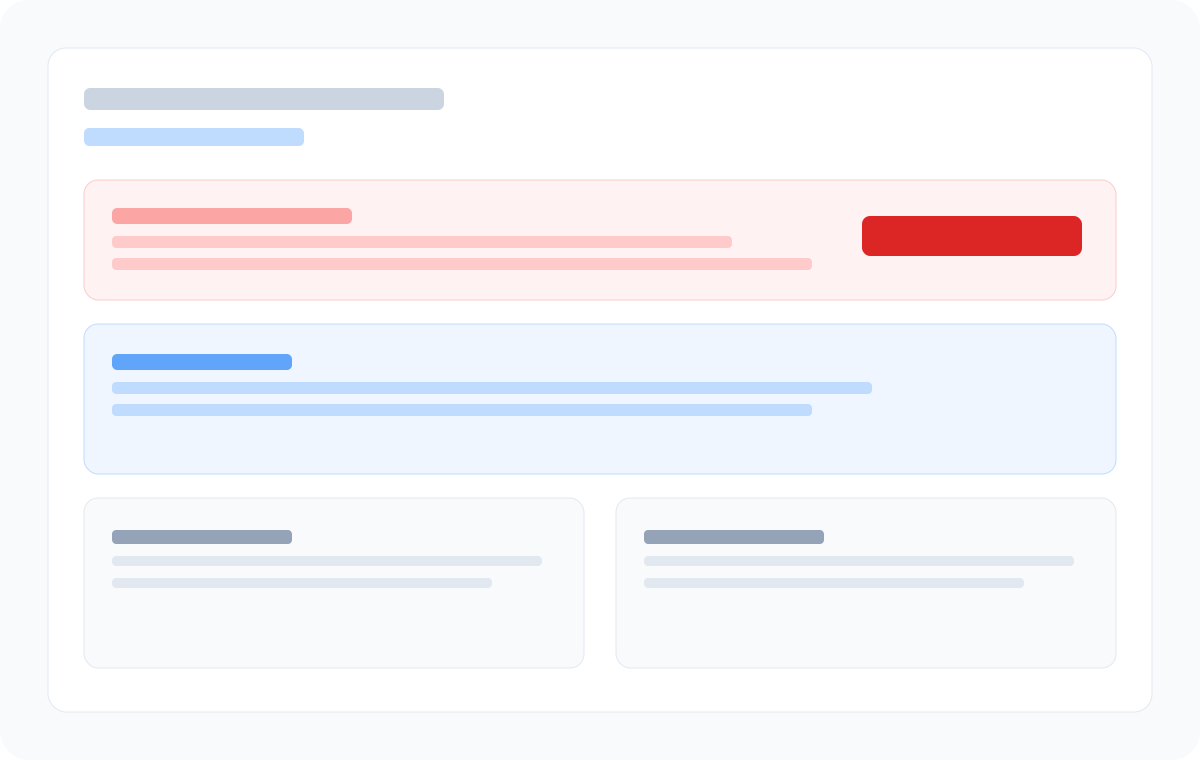
Notice window visibility
Spot the practical cancellation deadline, not just the renewal date.
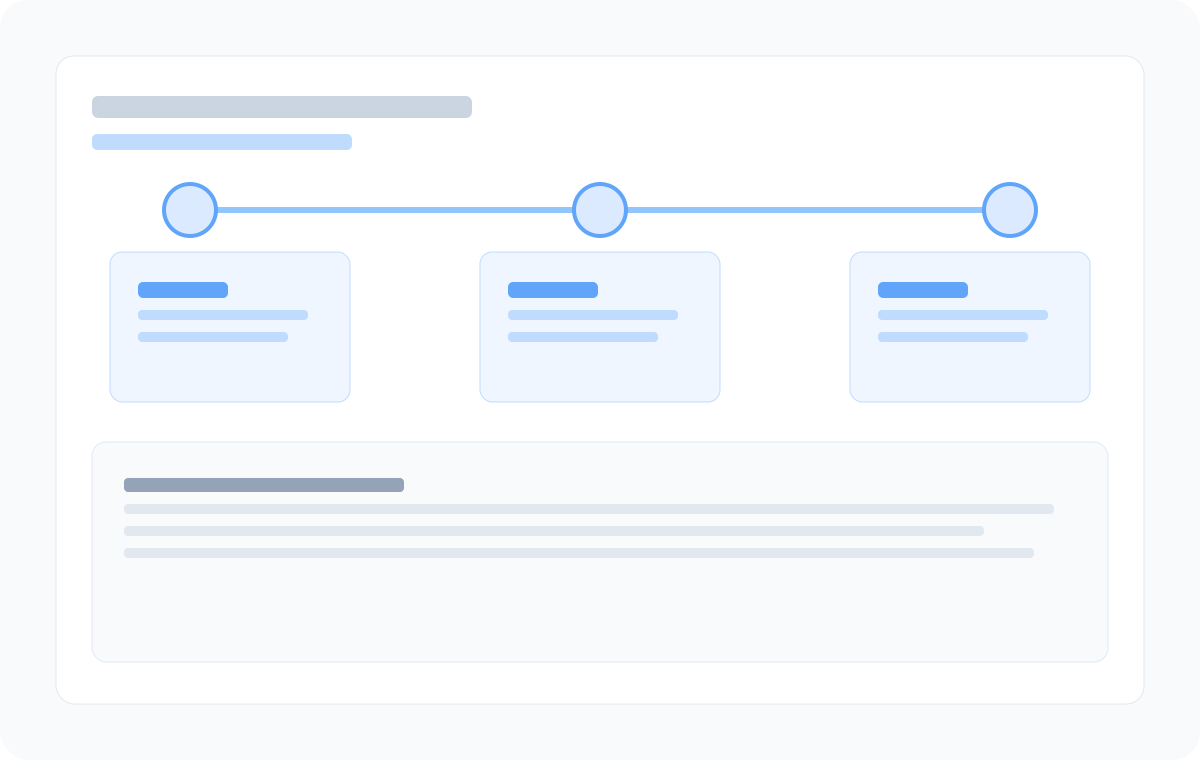
Reminder timeline
Confirm 90/60/30 milestones and decision timing before the window closes.
Frequently asked questions
- How far in advance should a contract renewal be reviewed?
- Most teams should review contracts 90 days before renewal, then again at 60 and 30 days. The right timing depends on the notice period in the agreement.
- Is a renewal date the same as a notice deadline?
- No. The notice deadline is usually earlier. If a contract renews on December 31 with 60 days notice required, the practical deadline is around November 1.
- Can RenewalWatch track auto-renewing contracts?
- Yes. RenewalWatch extracts renewal dates, notice periods, and auto-renewal terms so teams can act before the renewal window closes.
Know your next renewal decision window
Add your first contract and we will email you before it renews.
Recommended next steps
Contract Renewal Reminders: Automated Alerts at 90, 60 & 30 Days
Set automated email reminders for contract renewal dates and notice period deadlines. RenewalWatch sends 90, 60, and 30-day alerts before agreements auto-renew.
Contract Renewal Checklist: 12 Steps Before Every Renewal
Use this contract renewal checklist to review notice periods, auto-renewal terms, pricing, and vendor performance before every renewal decision.
Auto-Renewal Contracts: What They Are and How to Track Them
Auto-renewal contracts renew automatically unless you cancel before the notice deadline. Learn how to track cancellation windows and avoid surprise renewals.