Step 1: Collect the agreement and key dates
Start by finding the latest agreement, order form, statement of work, or renewal amendment. Capture the renewal date, notice period, auto-renewal status, vendor name, and current owner.
Step 2: Review business need and performance
Check usage, spend, support quality, stakeholder feedback, and whether the contract still matches the team's needs. A renewal is a chance to confirm value, not just continue a subscription.
Step 3: Decide the renewal path
- Renew with no changes when the contract is still valuable and priced fairly.
- Renegotiate when usage, pricing, scope, or service levels need adjustment.
- Cancel when the tool or vendor is no longer needed.
- Replace when another provider better matches cost, features, or compliance needs.
Step 4: Confirm and track the next renewal
After the decision is complete, store the next renewal date and reminder schedule immediately. Renewal management works best when the next cycle is captured before the current one leaves everyone's attention.
Evaluator path
Evaluate the process layer your renewal workflow really needs
A renewal process can stay lightweight when contracts have clear dates, owners, and action windows. Heavy process tooling is useful only when legal workflow complexity is the blocker.
- Use RenewalWatch for review, decision, and confirmation timing.
- Compare against CLM for approval routing, clause libraries, and authoring.
Compare fit
See when a renewal-first workflow is enough and when a full CLM platform is the better fit.
Full CLM vs focused renewal trackingHow RenewalWatch solves this in practice
Product preview panels below show what teams see in the app while working this exact renewal workflow.
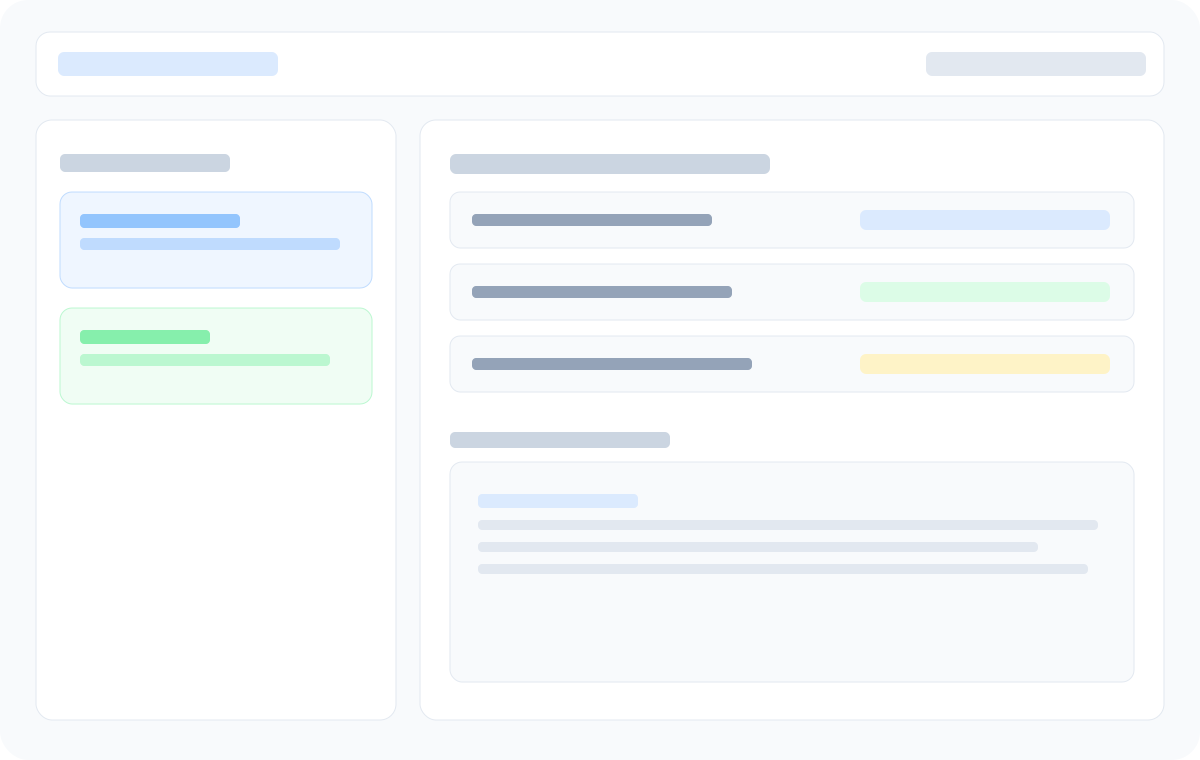
Step-by-step process visibility
Keep review, decision, and confirmation stages visible in one dashboard.
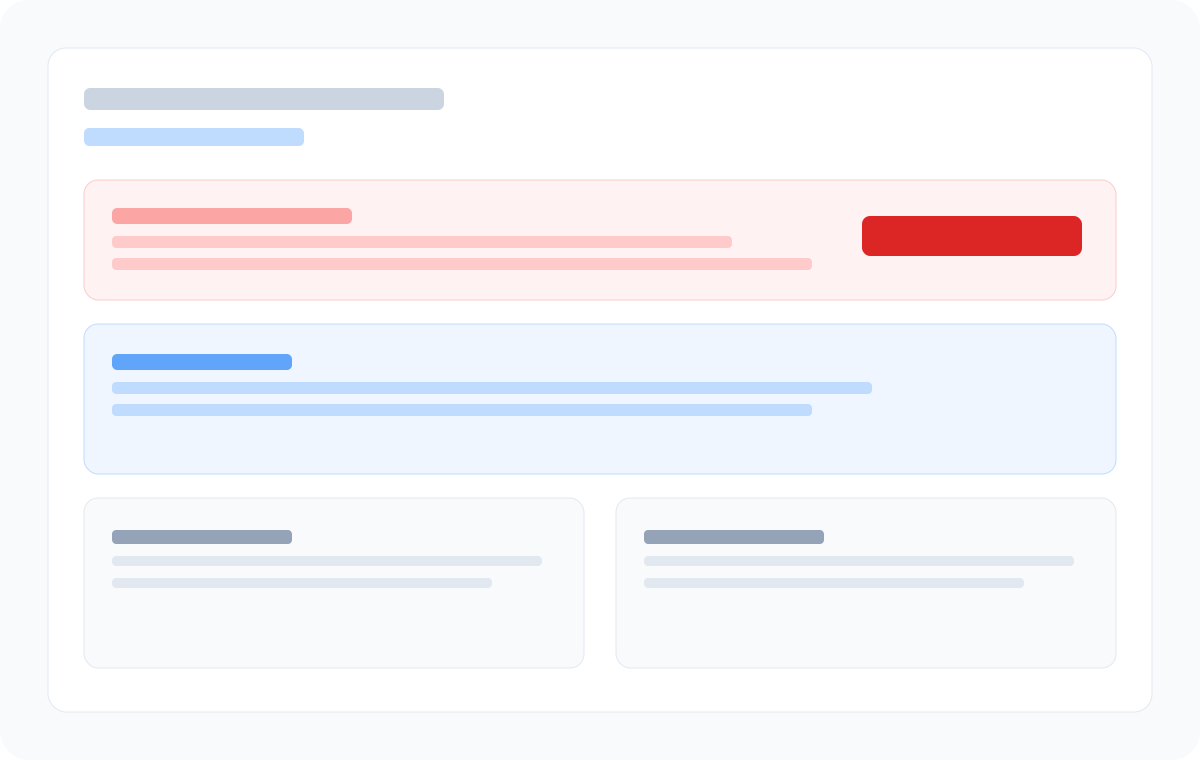
Deadline confidence
Validate notice windows so process steps happen on real timelines.
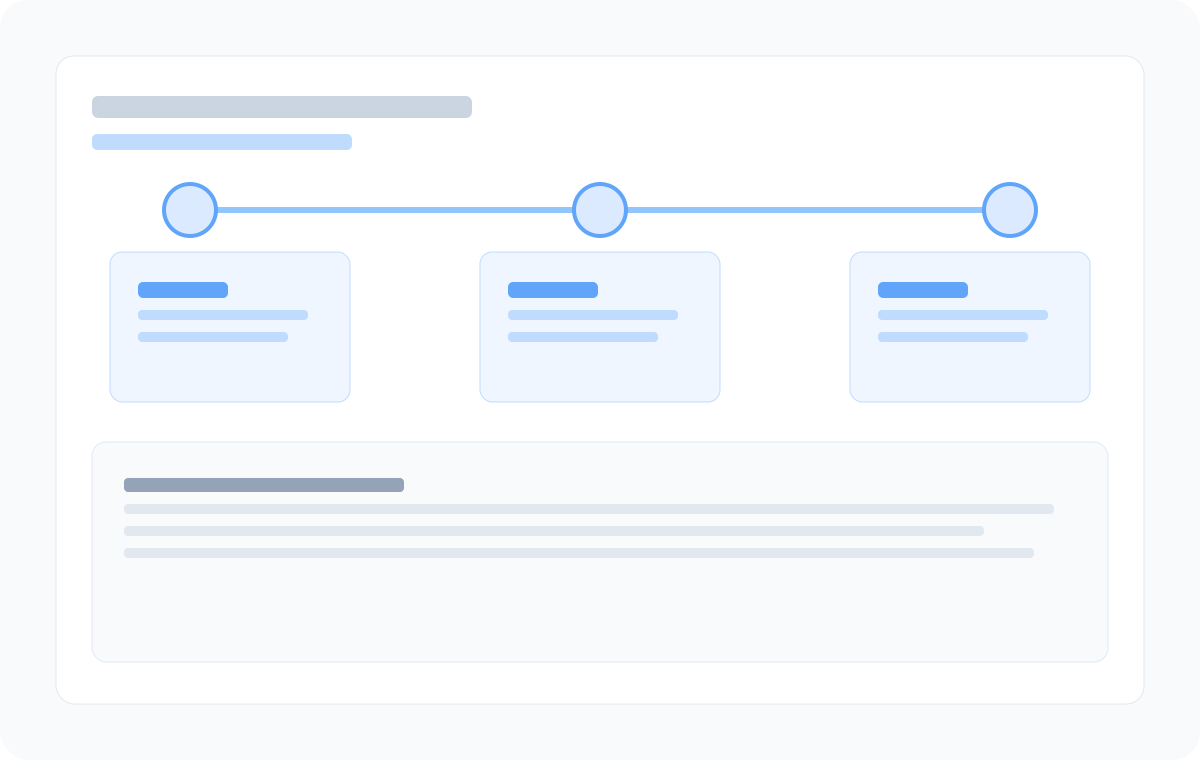
Team reminder handoffs
Coordinate operator and finance handoffs with milestone reminders.
Frequently asked questions
- Who should own the contract renewal process?
- Ownership depends on the contract. SaaS renewals may sit with operations or IT, vendor agreements with finance or procurement, and higher-risk contracts with legal involvement.
- When should the renewal process start?
- Start at least 90 days before renewal for important contracts, or earlier if the agreement has a long notice period or requires budget approval.
- How does RenewalWatch support the process?
- RenewalWatch extracts renewal fields, tracks renewal dates and notice periods, and sends reminder emails so the process starts before deadlines are missed.
Know your next process milestone
Add your first contract and we will email you before it renews.
Recommended next steps
Contract Renewal Checklist: 12 Steps Before Every Renewal
Use this contract renewal checklist to review notice periods, auto-renewal terms, pricing, and vendor performance before every renewal decision.
Contract Renewals: A Complete Guide
Learn how contract renewals work, why notice periods matter, and how to track renewal dates without enterprise CLM software.
Contract Renewal Reminders: Automated Alerts at 90, 60 & 30 Days
Set automated email reminders for contract renewal dates and notice period deadlines. RenewalWatch sends 90, 60, and 30-day alerts before agreements auto-renew.