Why contract reminders need more than a calendar event
A single calendar event on the renewal date is usually too late. Many contracts require advance written notice to cancel or change terms, which means the real deadline may be weeks or months earlier.
A useful reminder system tracks the renewal date, the notice period, and the decision owner. It should also make the contract context easy to review when the reminder arrives.
Reminder moments worth tracking
90 days
Review
Check usage, budget, owner, and renewal value.
60 days
Decide
Prepare cancellation notice or negotiate terms.
30 days
Confirm
Finalize renewal, cancellation, approval, or budget.
What happens when a reminder arrives
You receive an email before the renewal date with the vendor name, renewal date, notice period, auto-renewal status, and a link back to your dashboard.
The free trial includes 1 reminder per tracked contract. Founder and Professional plans unlock the full 90, 60, and 30 day reminder schedule.
Evaluator path
Evaluate reminder coverage by decision timing, not calendar volume
Renewal reminder tools should help teams decide before the notice window closes. RenewalWatch is tuned for that workflow instead of generic event reminders.
- Track 90, 60, and 30 day decision milestones.
- Compare against CLM if reminders need to live inside a larger legal workflow.
Compare fit
See when a renewal-first workflow is enough and when a full CLM platform is the better fit.
Full CLM vs focused renewal trackingHow RenewalWatch helps
Upload a PDF or import a secure URL, let RenewalWatch extract the renewal date and notice period, then review the saved reminder schedule in your dashboard.
It gives founders, operators, and finance teams a lightweight reminder system without a full contract lifecycle management rollout.
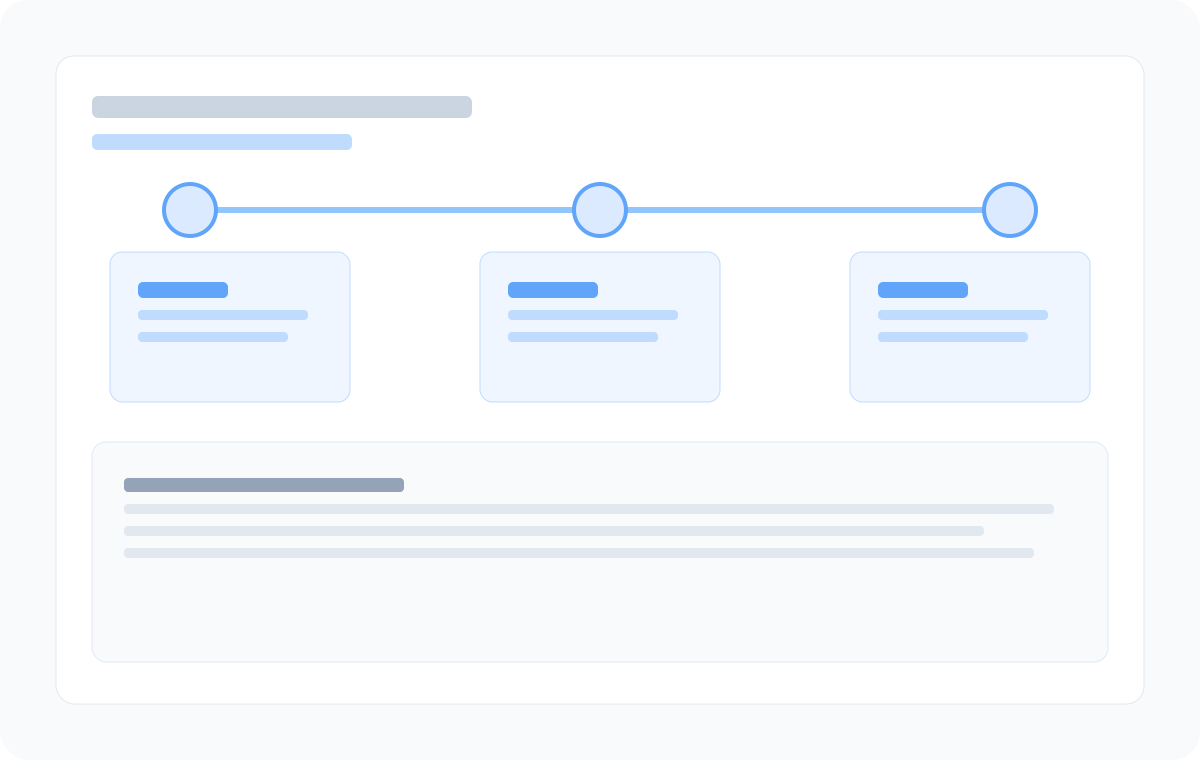
Reminder milestone sequence
View how each checkpoint supports review, decision, and confirmation.
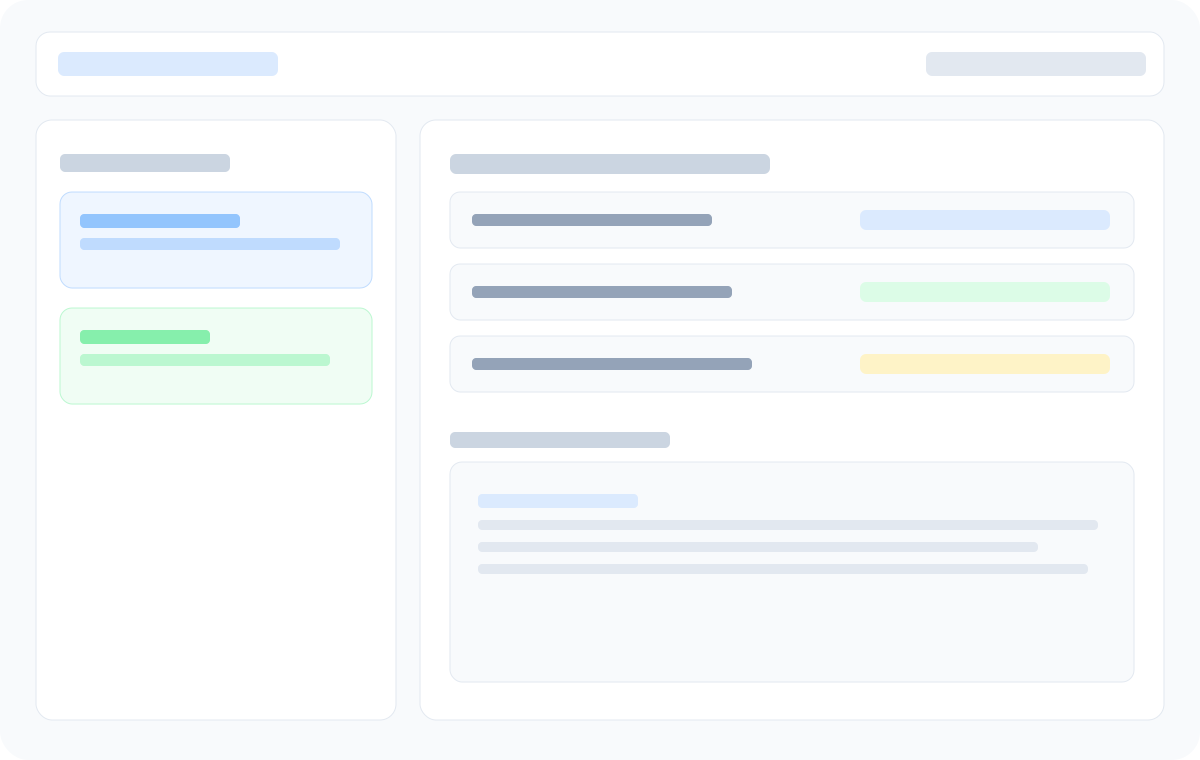
Dashboard reminder status
See which contracts already have upcoming reminders and who owns action.
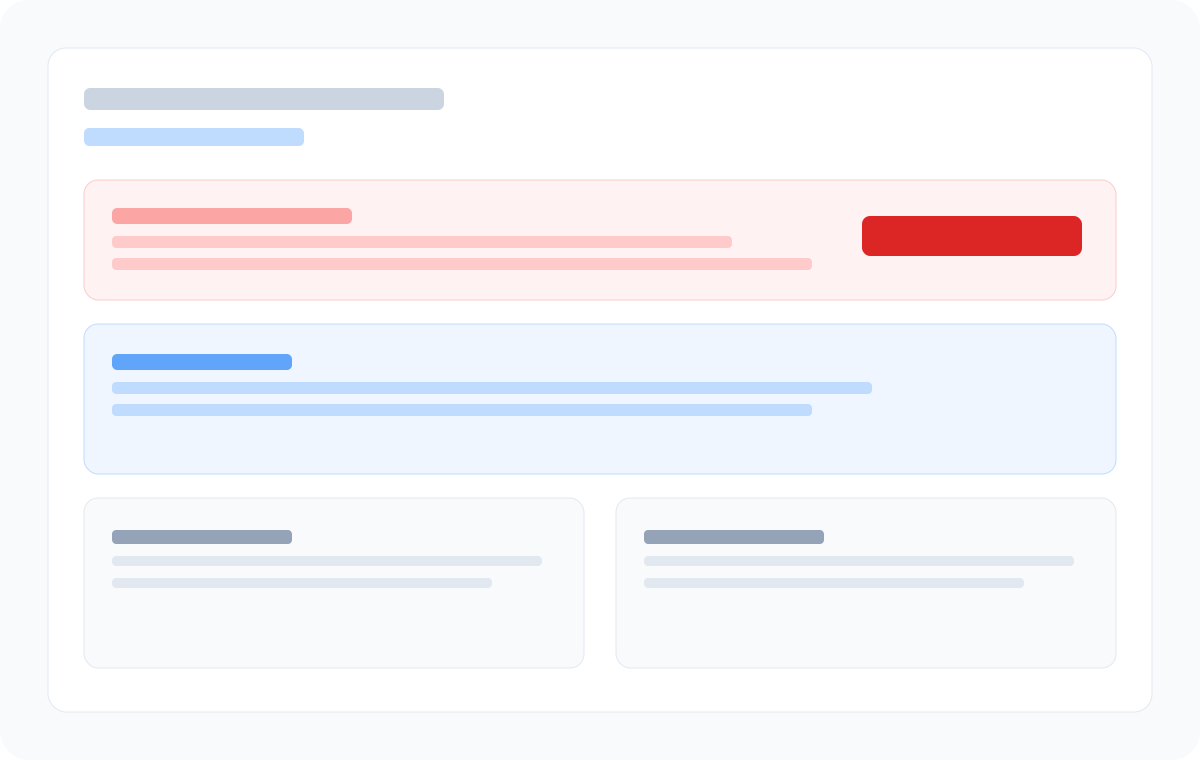
Notice-date context
Each reminder points back to the contract terms that drive the deadline.
Frequently asked questions
- What reminders does RenewalWatch send?
- RenewalWatch sends reminder emails before tracked renewal dates. Paid plans include the full 90, 60, and 30 day reminder schedule.
- Can reminders help avoid unwanted auto-renewals?
- Yes. Reminders give teams time to review auto-renewal language and send cancellation or renegotiation notice before the window closes.
- Who should receive contract renewal reminders?
- The owner is often a founder, operations lead, finance manager, legal contact, or the person responsible for the vendor relationship.
- Does the free trial include all 90, 60, and 30 day reminders?
- The free trial includes 1 reminder per tracked contract. Paid plans unlock the full 90, 60, and 30 day reminder schedule for every tracked contract.
- Can I customize reminder timing?
- RenewalWatch currently uses fixed 90, 60, and 30 day reminder milestones. Custom reminder timing is planned for a future release.
Know your next reminder milestone
Add your first contract and we will email you before it renews.
Recommended next steps
Contract Renewal Process: A Step-by-Step Guide
A practical contract renewal process: track renewal dates, review terms, assign owners, and act before notice deadlines expire.
Auto-Renewal Contracts: What They Are and How to Track Them
Auto-renewal contracts renew automatically unless you cancel before the notice deadline. Learn how to track cancellation windows and avoid surprise renewals.
Contract Renewal Checklist: 12 Steps Before Every Renewal
Use this contract renewal checklist to review notice periods, auto-renewal terms, pricing, and vendor performance before every renewal decision.